📸 LAUNCH PRICE · 1,200 BACKDROPS IN 24 COLLECTIONS · ⚡ INSTANT DOWNLOAD · 🛡️ 30-DAY MONEY-BACK GUARANTEE · 🎁 3 FREE GUIDES
For anyone who photographs people

The photo is good. It's the background that ruins it.

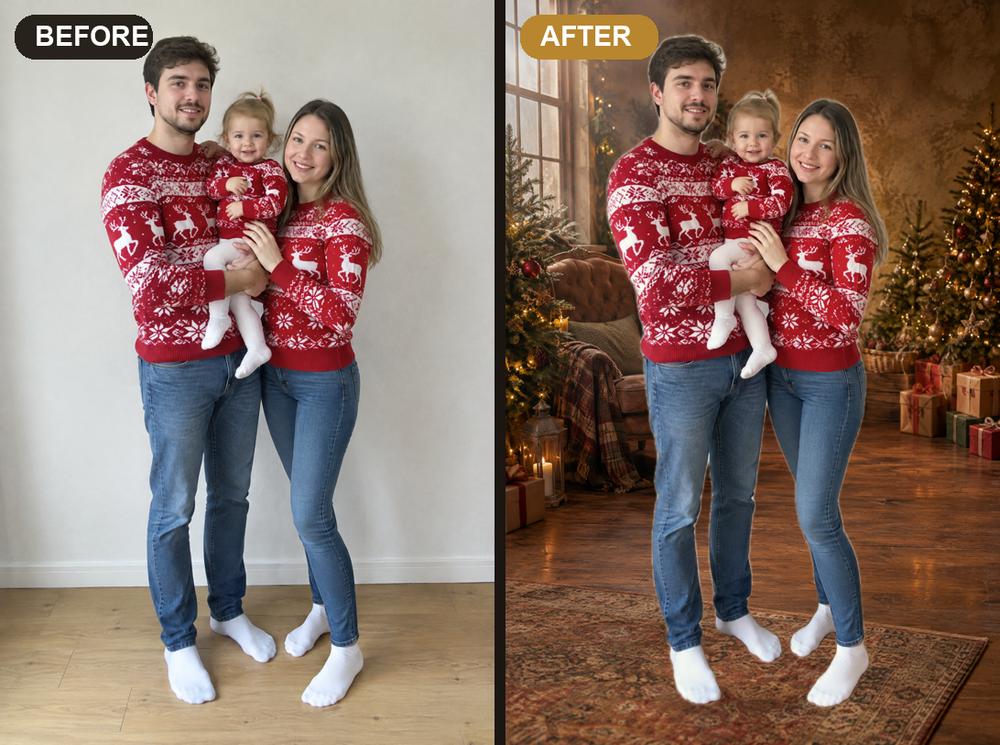
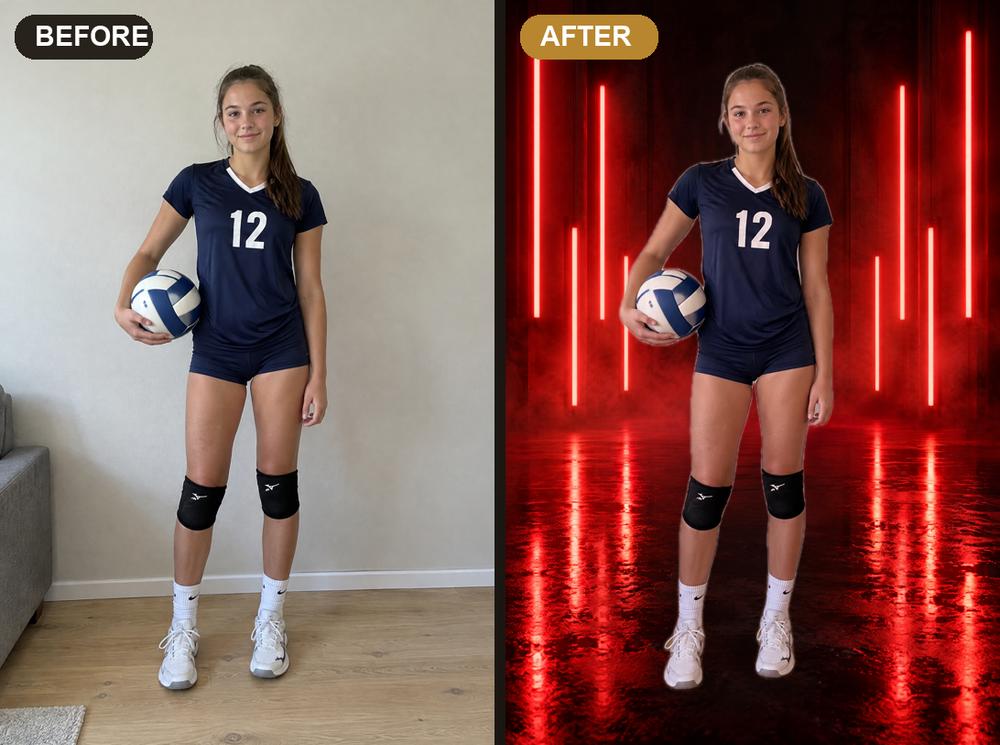
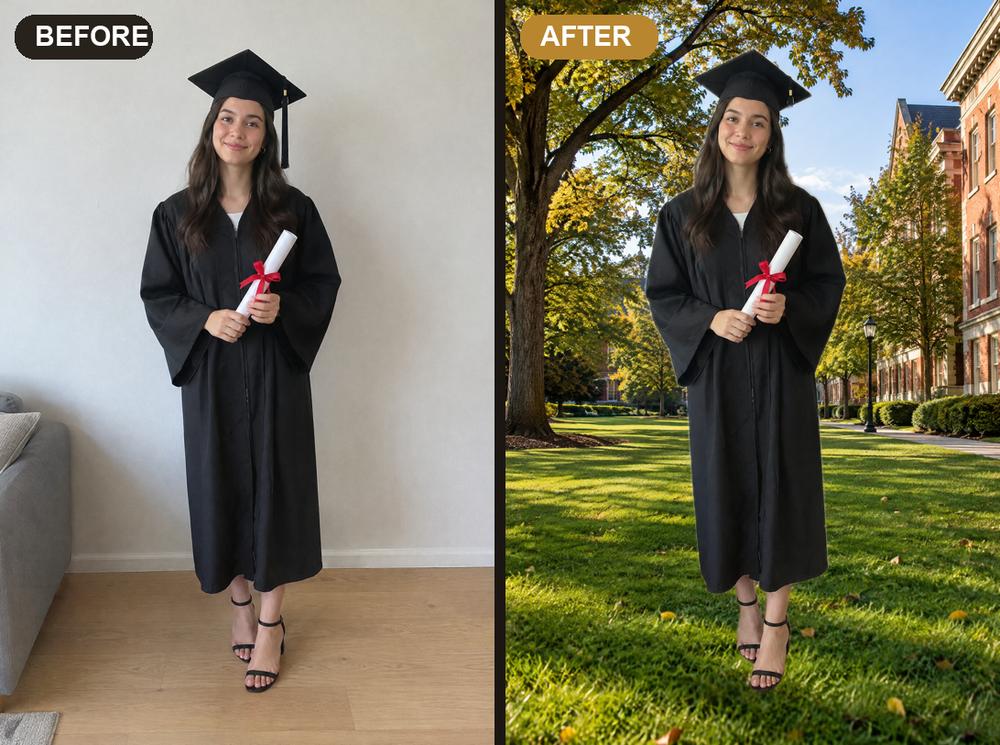
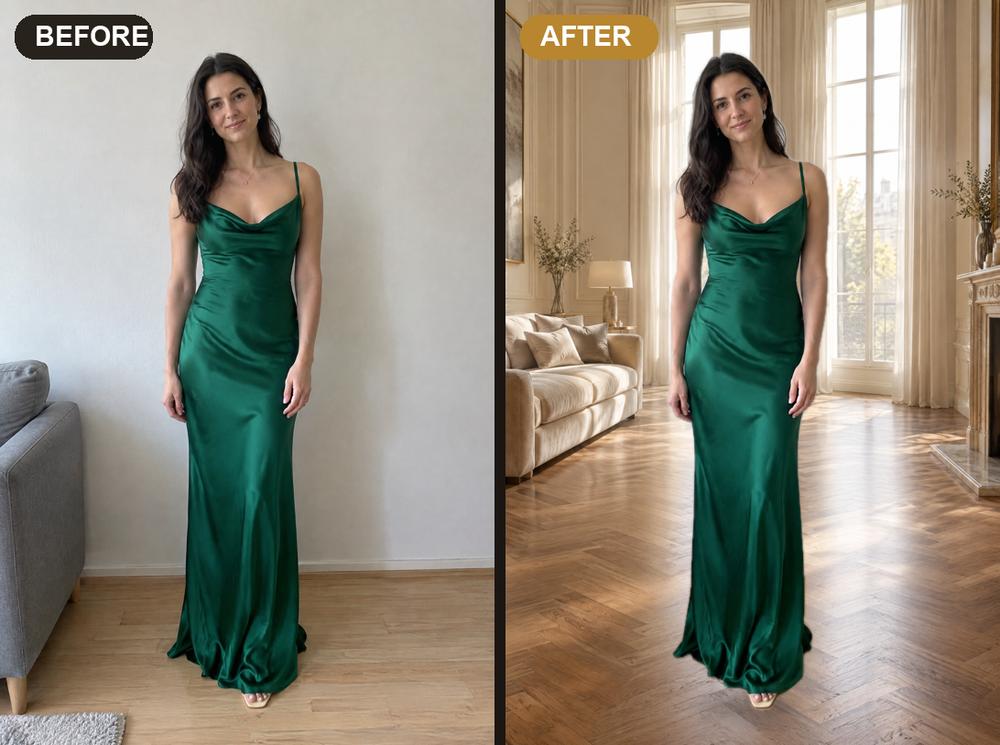
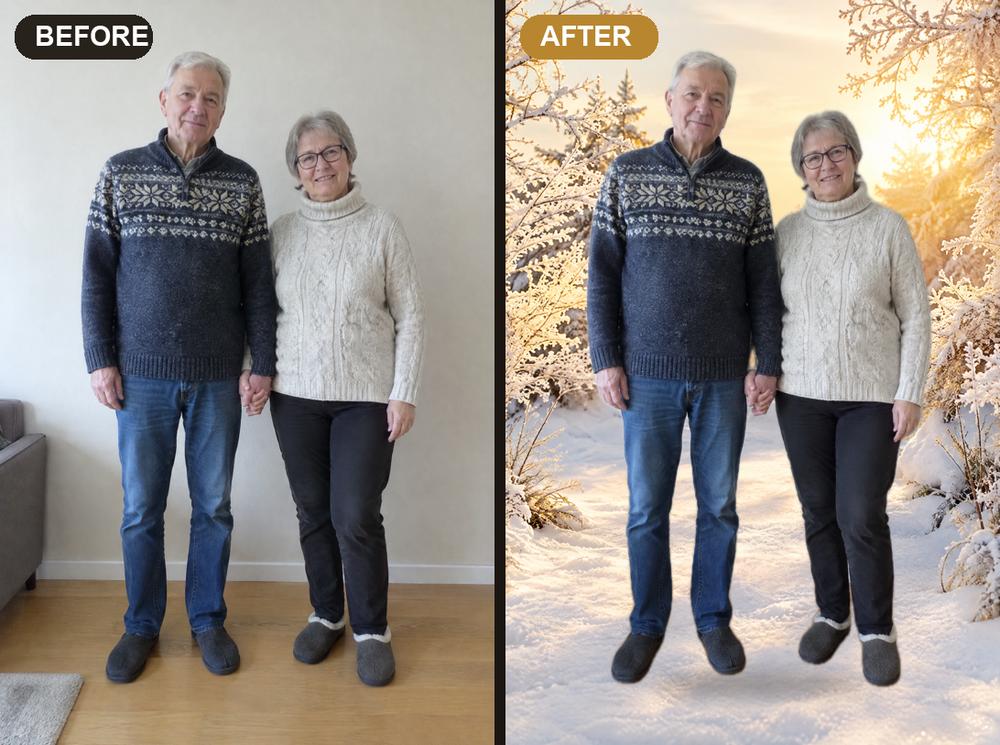
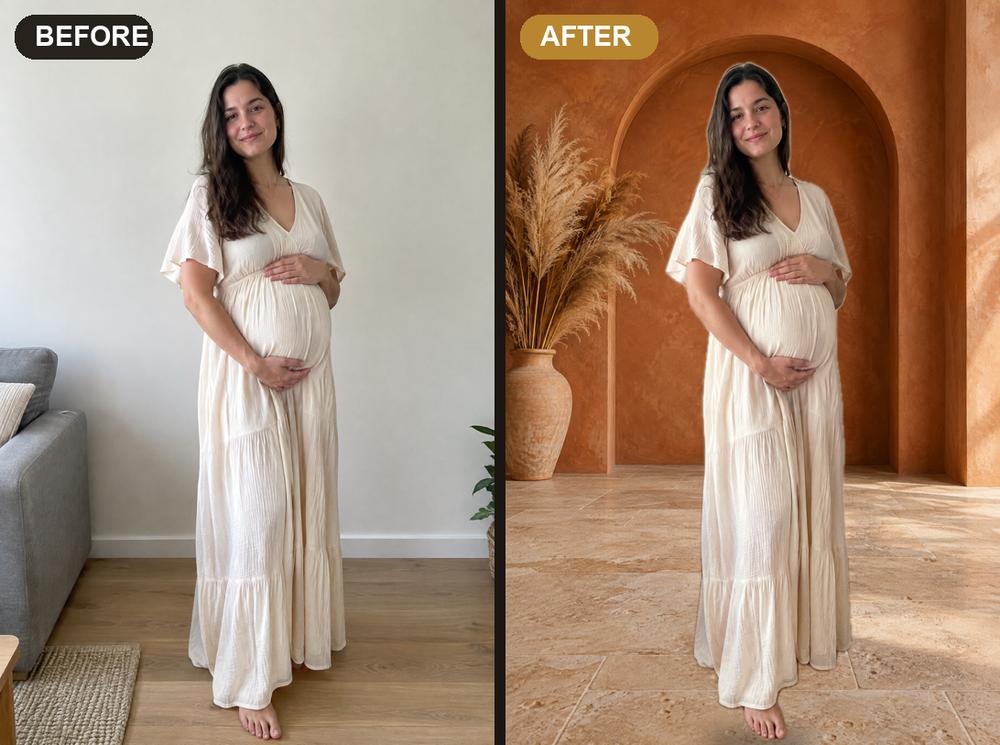
Same shot, new backdrop. The Digital Backdrop Vault: 1,200 ready-to-use portrait backdrops in 24 collections. Swap the living-room wall for a studio backdrop: no studio rental, no reshoot.

Maternity photo before and after a backdrop swap Family Christmas photo before and after Volleyball player before and after a neon backdrop Graduate before and after a campus backdrop Evening gown before and after an elegant interior Couple before and after a winter backdrop
1,200 backdrops in 24 collectionsStart Here guide + 3 free guides30-day money-back guarantee

Examples made with backdrops from the Vault · people shown are illustrative

The Digital Backdrop Vault

One vault for every session

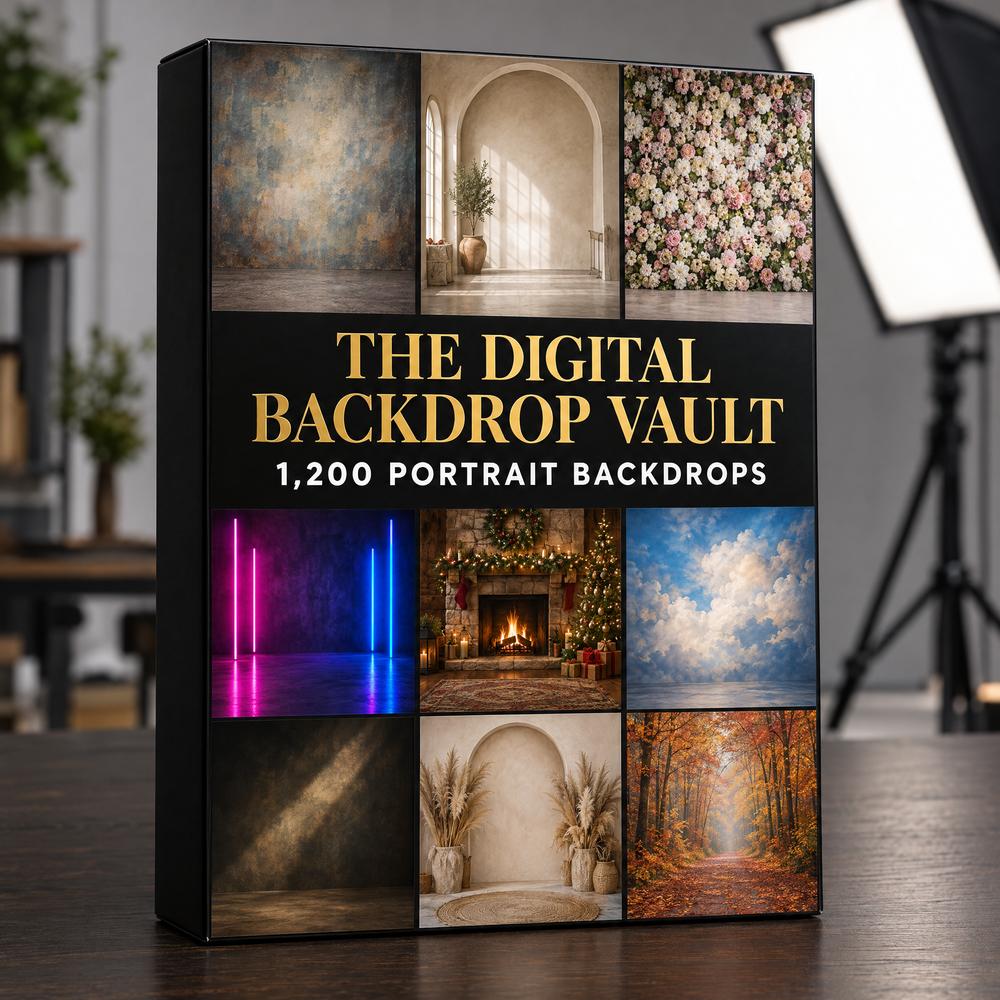
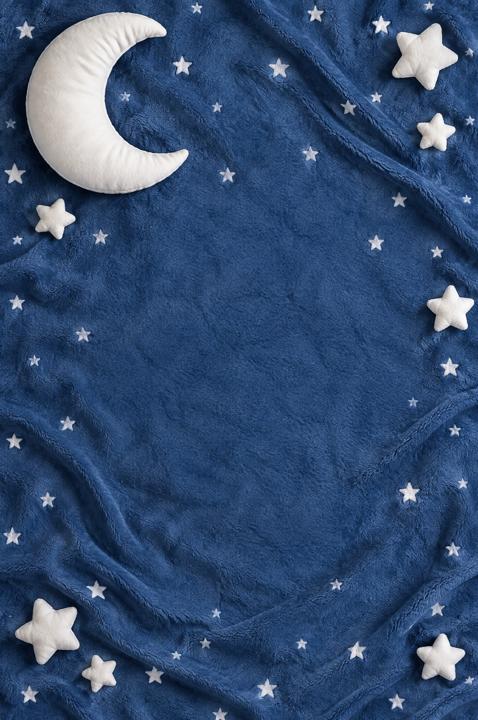
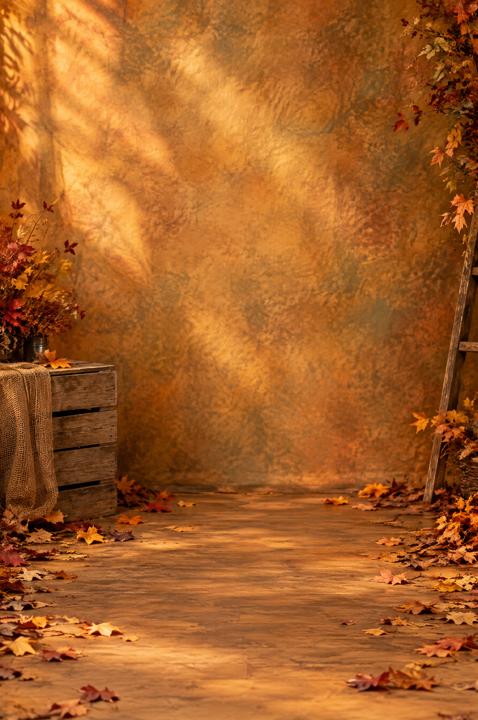
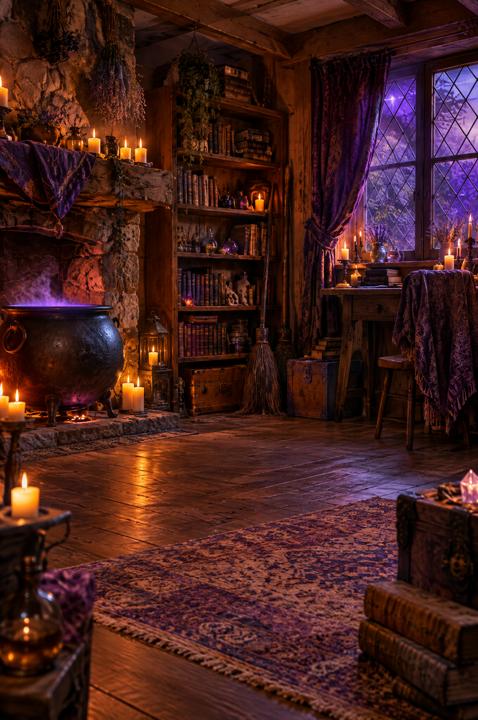
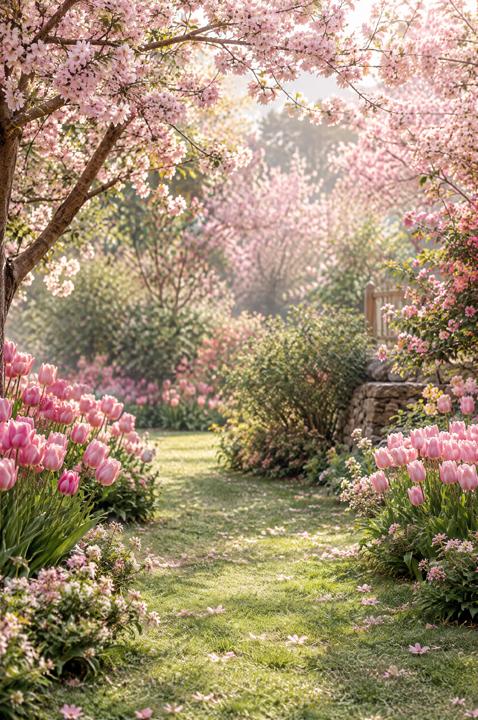
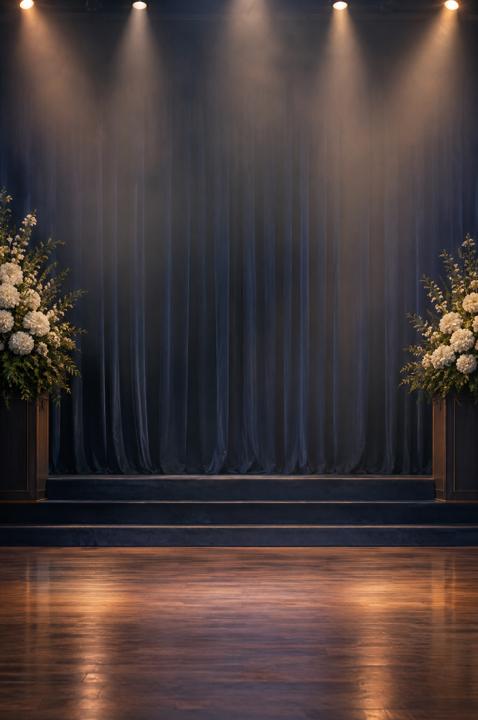
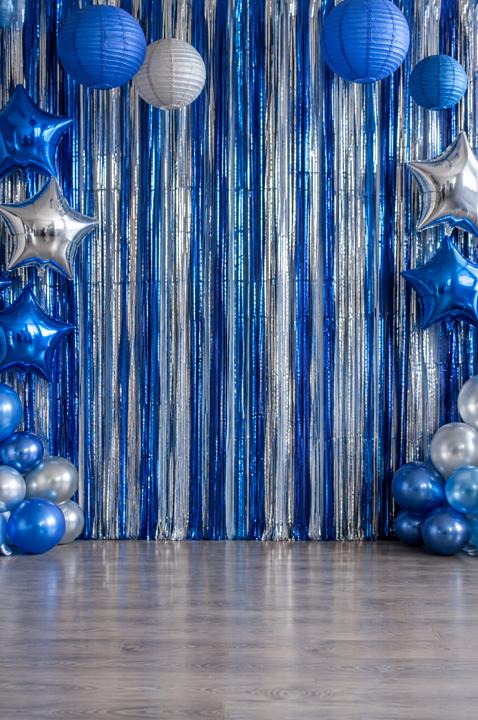
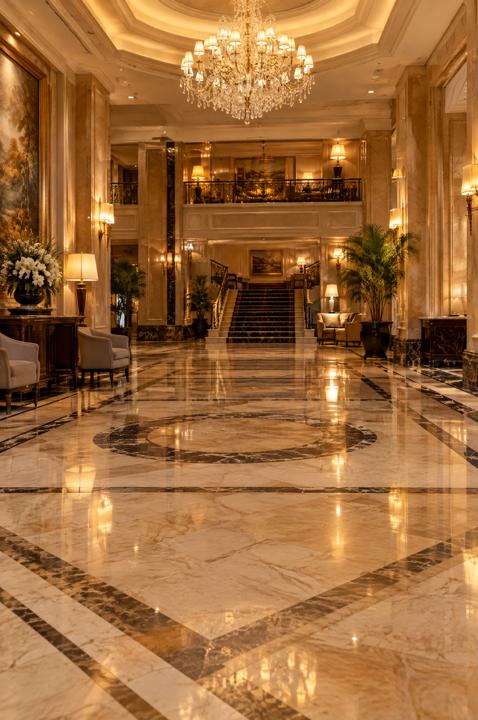
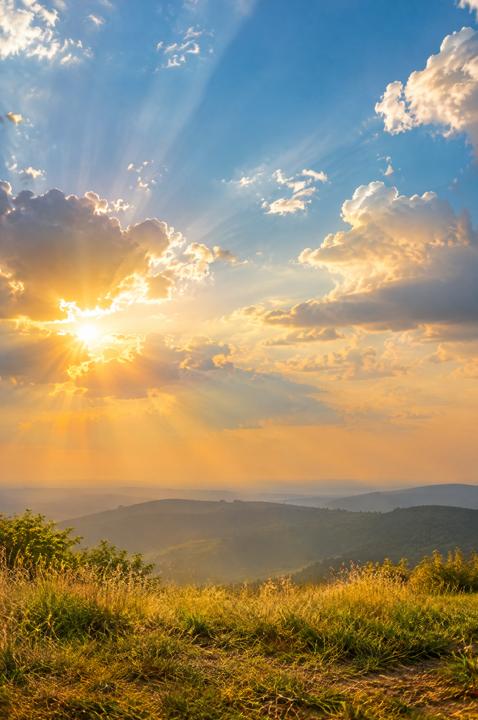
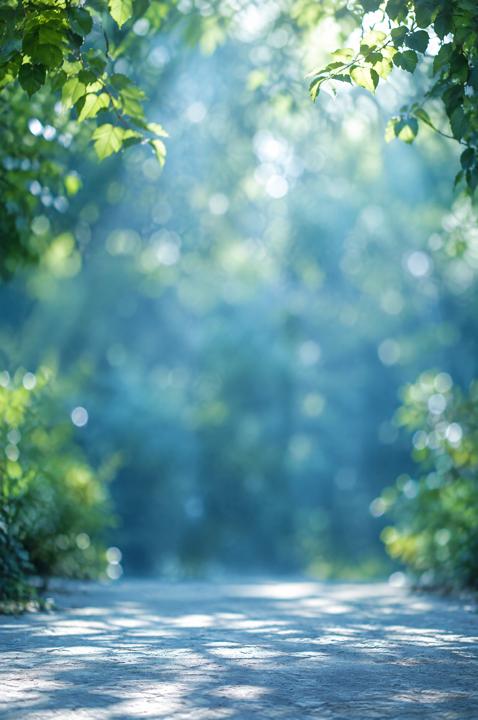
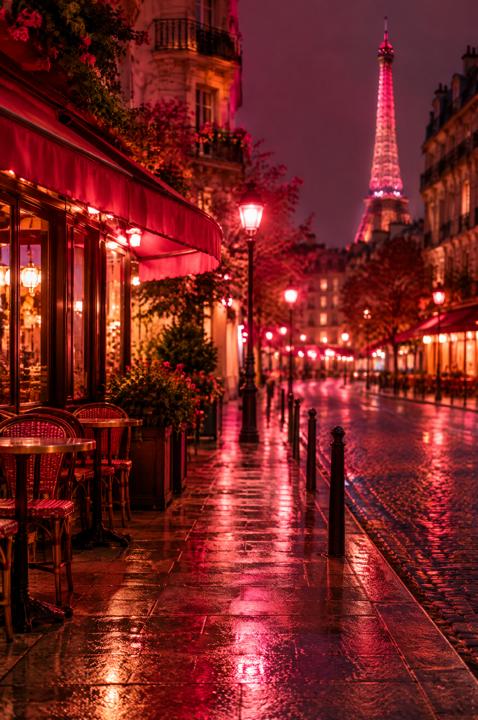
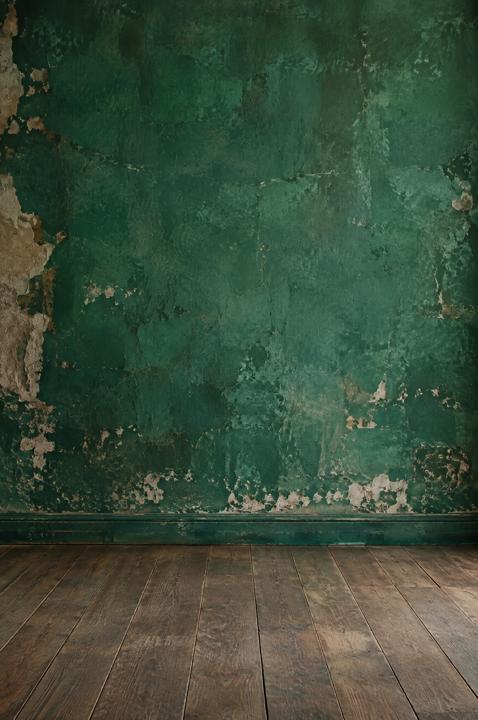
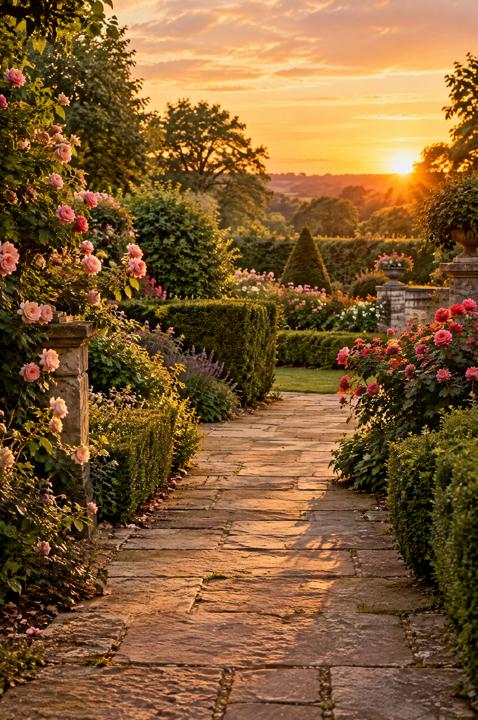
The Digital Backdrop Vault brings together 1,200 high-resolution backdrops in 24 collections: from classic painted canvas to neon lights, from maternity and newborn to Christmas and snow.

Every backdrop already has its light, its floor and its depth. You drop your subject in and adjust two things. Portrait, family, team or graduation: the right backdrop is already in the folder.

Pay once. The files are yours.

  • 1,200 high-res backdrops in 24 collections: painted canvas, arches, maternity, newborn, Christmas, snow, neon and more
  • Start Here guide + 3 free guides: iPhone shooting, clean cutouts, light & shadow
  • Works with what you have: Photoshop, Photopea (free), Canva or a phone app

One-time payment · instant download · the files are yours to keep

It's for you if you want to...

✓

Stop renting a studio for every session

✓

Have the right backdrop ready instead of searching for hours

✓

Deliver polished portraits even when you shoot in a living room

✓

Give every client a different look

✓

Offer holiday and themed minis without buying more backdrops

UNLOCK THE 1,200 BACKDROPS

Physical backdrops or digital backdrops?

The old way

Backdrops, studio and props

$50+for each printed backdrop
  • A painted canvas backdrop can cost $100+, and you need one per look
  • They take space, wrinkle and need steaming, mounting and taking down
  • Studio rental is paid by the hour
  • One backdrop, one look: clients see it all season
  • A new theme means buying again
The new way

The Digital Backdrop Vault

  • 1,200 digital backdrops, one payment
  • Ready to use: no studio, no props, no steaming
  • Light and shadows already built in, so the portrait stays believable
  • Shoot at home in front of a plain wall, even with your phone
  • A different backdrop for every session, style or client
  • No subscription: the files are yours
$97$27one-time
What's inside

24 collections, 1,200 backdrops

50 backdrops in every collection, vertical for portraits and horizontal for groups.

50 BACKDROPSClassic Painted Canvas
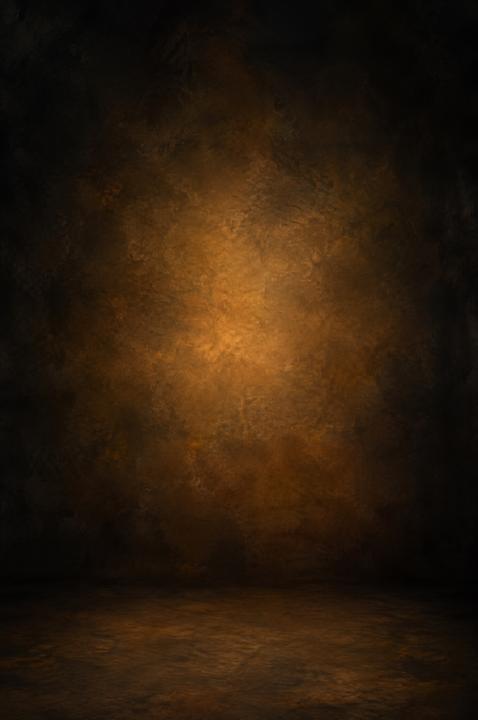
50 BACKDROPSChiaroscuro & Low Key
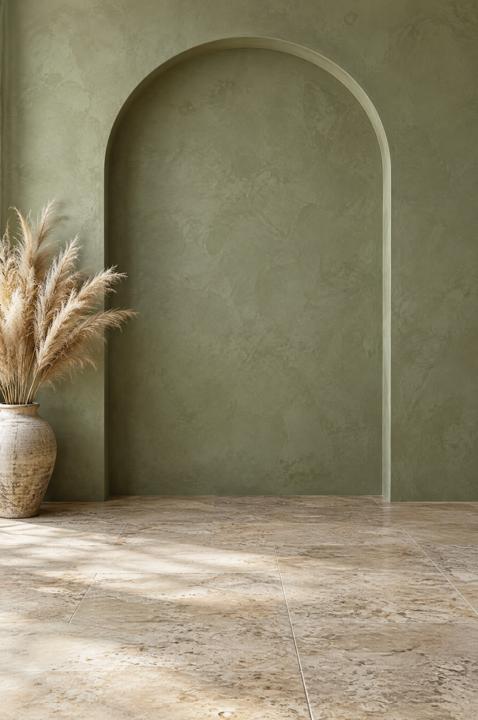
50 BACKDROPSArches & Niches
50 BACKDROPSMaternity Glow
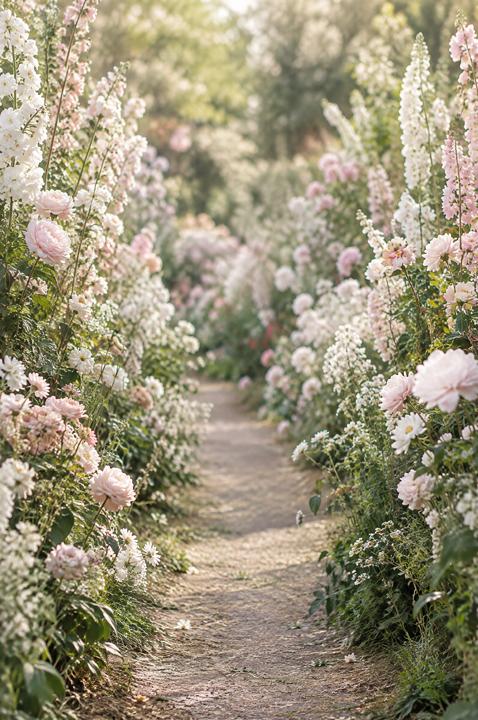
50 BACKDROPSFlower Walls & Florals
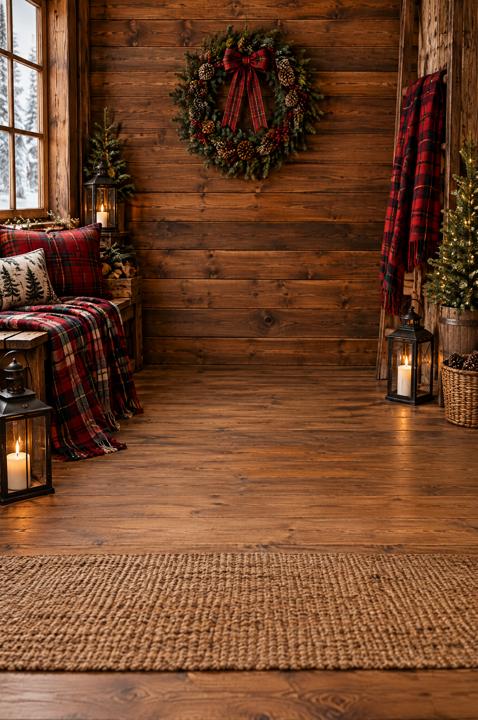
50 BACKDROPSChristmas Interiors
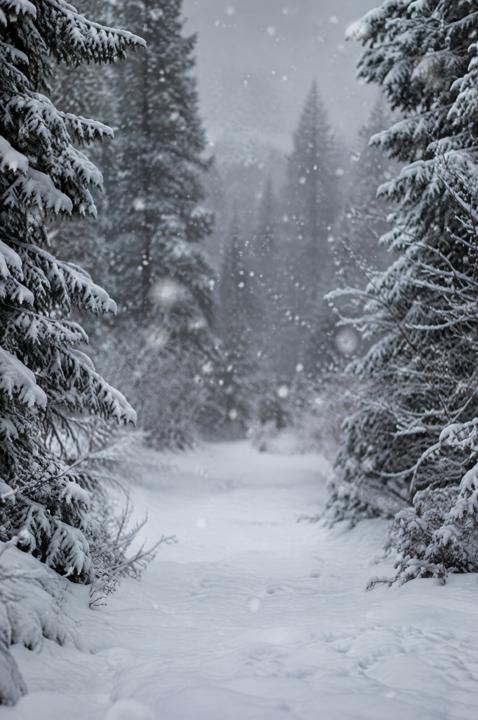
50 BACKDROPSWinter & Snow
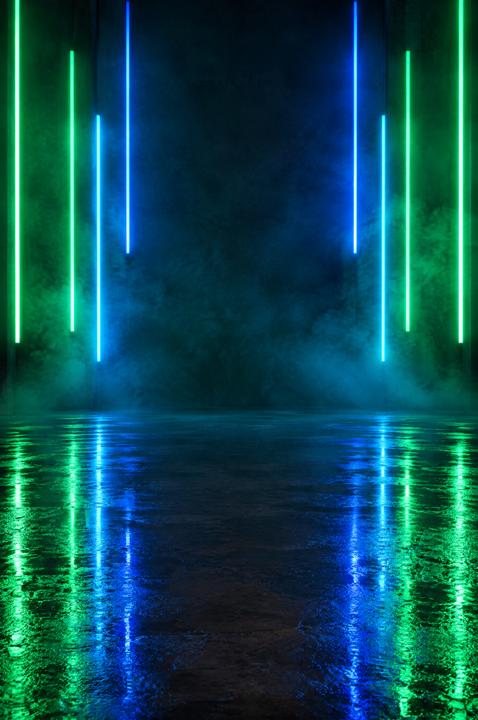
50 BACKDROPSNeon & Light Bars
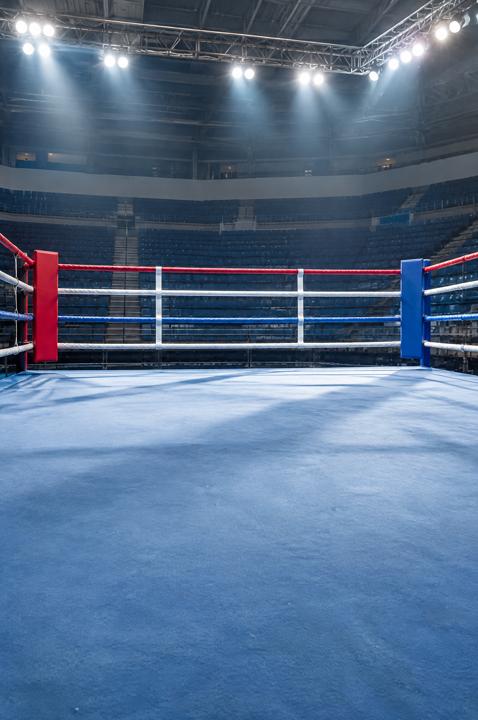
50 BACKDROPSSports Day
50 BACKDROPSKids & Playroom
50 BACKDROPSNewborn Flat Lays
50 BACKDROPSAutumn & Fall
50 BACKDROPSHalloween (Kid-Friendly)
50 BACKDROPSSpring & Easter
50 BACKDROPSGraduation & Library
50 BACKDROPSBirthday & Cake Smash
50 BACKDROPSMinimal Studio Paper
50 BACKDROPSElegant Interiors
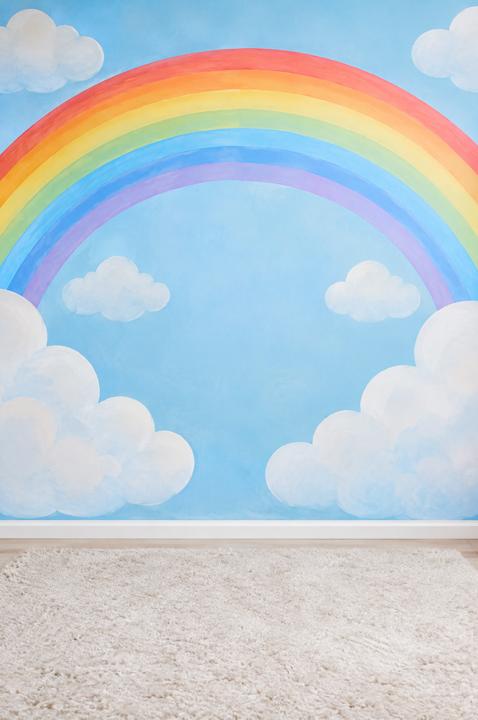
50 BACKDROPSSkies & Clouds
50 BACKDROPSBokeh & Glow
50 BACKDROPSValentine & Romance
50 BACKDROPSBeach & Coastal
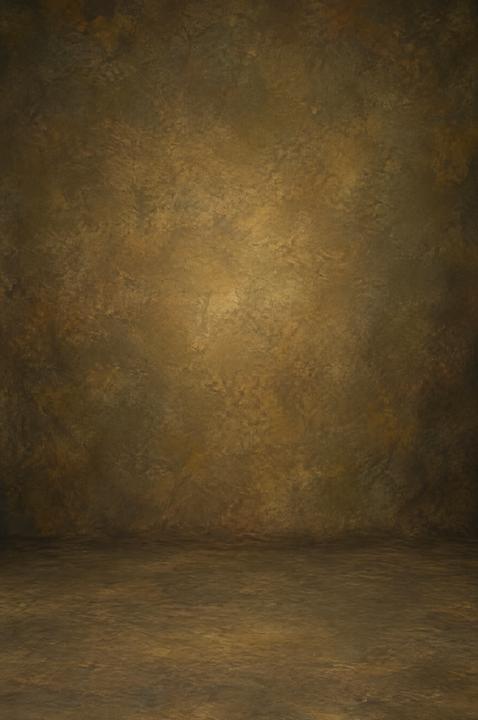
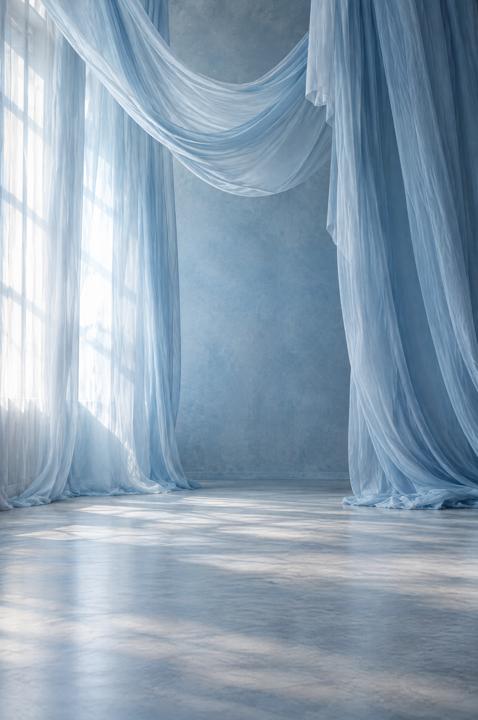
50 BACKDROPSFine Art Drapes & Textures
50 BACKDROPSGardens & Parks

How it works, in 3 steps

1

Cut out your subject

In Photoshop and Photopea one click does it (Select Subject). In Canva it's Background Remover. Then clean up the hair with the Clean Cutout Guide.

2

Drop the backdrop underneath

Pick a collection, drag the file below your photo and move it until the feet sit naturally on the floor.

3

Match light & shadow

Add the floor shadow and even out the colors. The Light & Shadow Cheat Sheet tells you exactly what to check.

Works with Photoshop · Photopea (free) · Canva · Affinity Photo · GIMP · phone apps

EVERYTHING YOU GET TODAY
The Digital Backdrop Vault
  • 1,200 digital backdrops in 24 collections (high-res JPG, 2K)
  • Christmas, winter, maternity, newborn, cake smash, painted canvas, arches, florals and more
  • Start Here guide + visual catalog of every backdrop
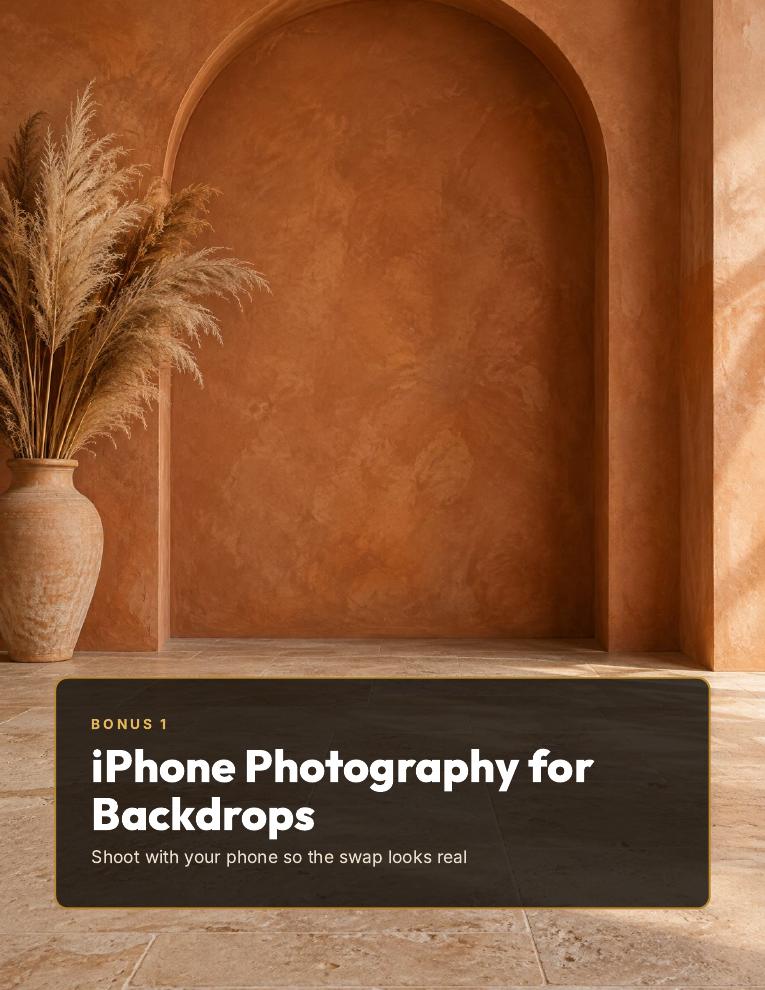
  • Bonus 1: iPhone Photography for Backdrops
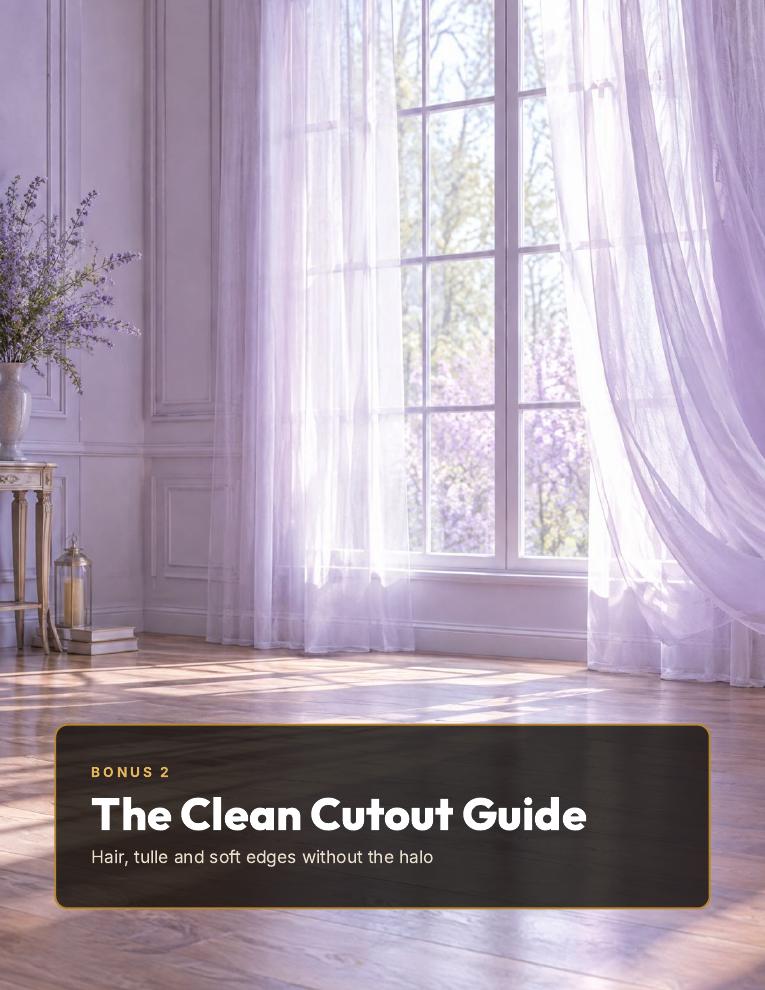
  • Bonus 2: The Clean Cutout Guide
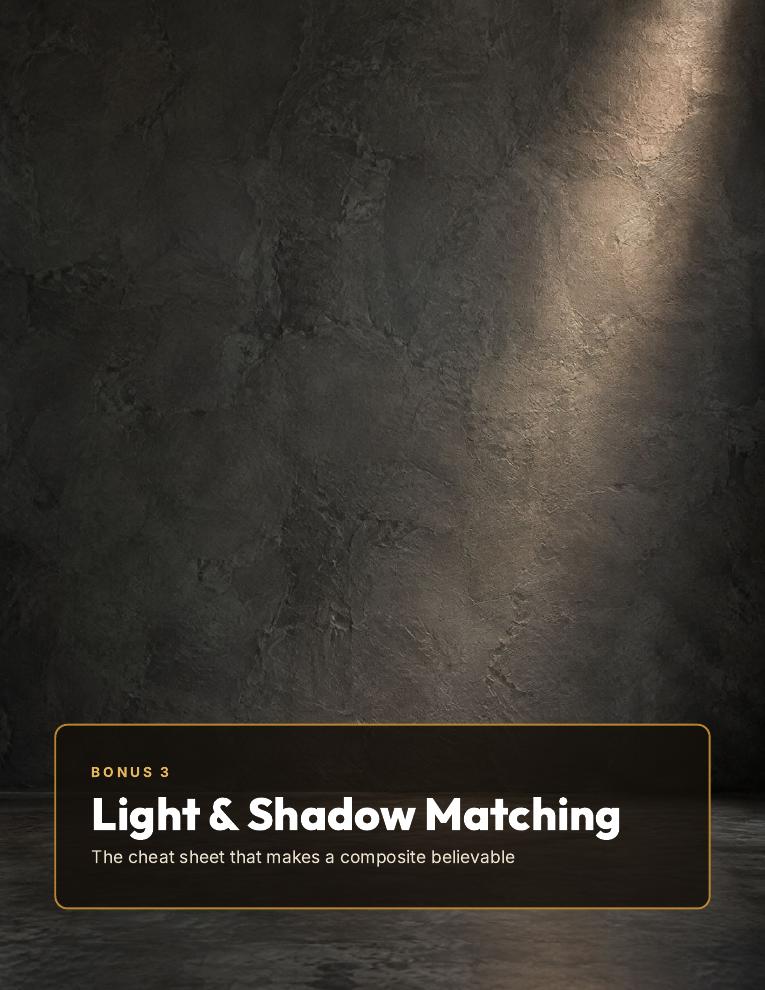
  • Bonus 3: Light & Shadow Matching Cheat Sheet
  • Works with Photoshop, Photopea (free), Canva and phone apps
  • Instant access by email · one-time payment · files are yours
From $97 for only$27One-time payment · instant access

One-time payment · instant download · the files are yours to keep

Plus 3 free guides today

BONUS 1

Bonus 1: iPhone Photography for Backdrops

How to shoot with just your phone so the backdrop swap looks real: wall, distance, window light, camera height and the settings to use.

Value $9 · FREE
BONUS 2

Bonus 2: The Clean Cutout Guide

Hair, tulle, veils and soft edges: how to cut out your subject without the light halo, in Photoshop, Photopea, Canva and on your phone.

Value $9 · FREE
BONUS 3

Bonus 3: Light & Shadow Matching Cheat Sheet

Where the light comes from, where the floor shadow falls and how to match colors so subject and backdrop look like the same room.

Value $9 · FREE
30-DAY
GUARANTEE

30-day money-back guarantee

You have 30 days to download the Vault and try it on your own photos. If it's not for you, send us one email and we'll refund 100% of your money.

You already have the photo. You're missing the backdrop.

When the client is already in front of you, you don't search the internet for a backdrop. You open the folder, pick the collection and get on with the session.

1,200 backdrops · 3 free guides · 30-day money-back guarantee

Secure payment

💳 Card Apple PayG Pay🔒 SSL encrypted

Frequently asked questions

What format are the files?

High-resolution JPGs: 1360 x 2048 px vertical and 2048 x 1360 px horizontal (for groups and families). They arrive in 6 ZIP packs plus a PDF catalog so you can find any backdrop fast.

Do I need Photoshop?

No. They work in Photoshop, Photopea (free, in your browser), Canva, Affinity Photo, GIMP and phone apps that let you remove a background and add a layer. The Start Here guide shows each one step by step.

Can I do it on my iPhone?

Yes. Bonus 1 shows how to shoot with your phone so the swap looks real, and the Start Here guide shows the phone workflow.

Are these real photos?

They are digitally created (AI-assisted) high-resolution backdrops, designed with a floor, depth and soft light so a person can be placed in them. The before/after examples on this page were made with backdrops from the Vault; the people shown are illustrative.

Can I use them for client sessions?

Yes. Use them in your personal photos and in the portraits you deliver to your clients (digital and print). What you can't do is resell or share the backdrop files themselves.

How big can I print?

They look great on social media, in online galleries and in prints up to 8x10 inches.

How do I receive it?

Right after your payment you get an email with the download links. If you don't see it, check spam or promotions.

Is it a subscription?

No. You pay once and the files you download are yours.

What if it's not for me?

You have 30 days. Email us and we'll refund 100% of your money.
1,200 backdrops · 3 free guides · 30-day money-back guarantee

Before $97 · Now $27Get it now →